
Extract a zip from a link when you don't have room for both
A normal download needs space for the zip and for the files. LinkUnzip writes only the files.
The short answer
If your drive can hold the files but not the files plus the zip, extract straight from the link. LinkUnzip never saves the zip, so for Blender 4.2 it needed 925.6 MB on disk, where downloading the zip and then extracting it needs 1.26 GB.
Why unzipping normally needs extra room
To unpack a zip from the internet you normally download all of it first. While you extract, the zip and the extracted files sit on the disk at the same time, so you need room for both, and you delete the zip afterwards. With LinkUnzip the zip never lands on the disk.
Read the Cost Analysis
Before anything is written, LinkUnzip shows what the extraction will cost, next to what a normal download would need:
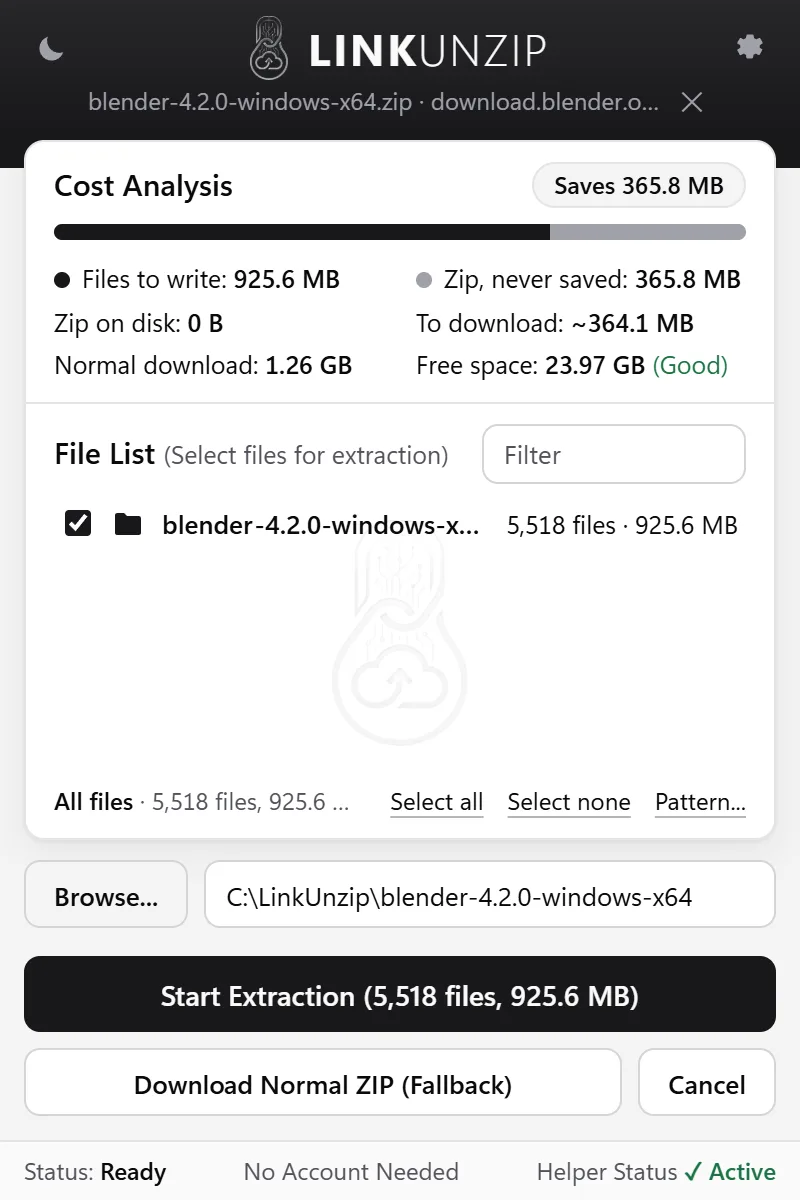
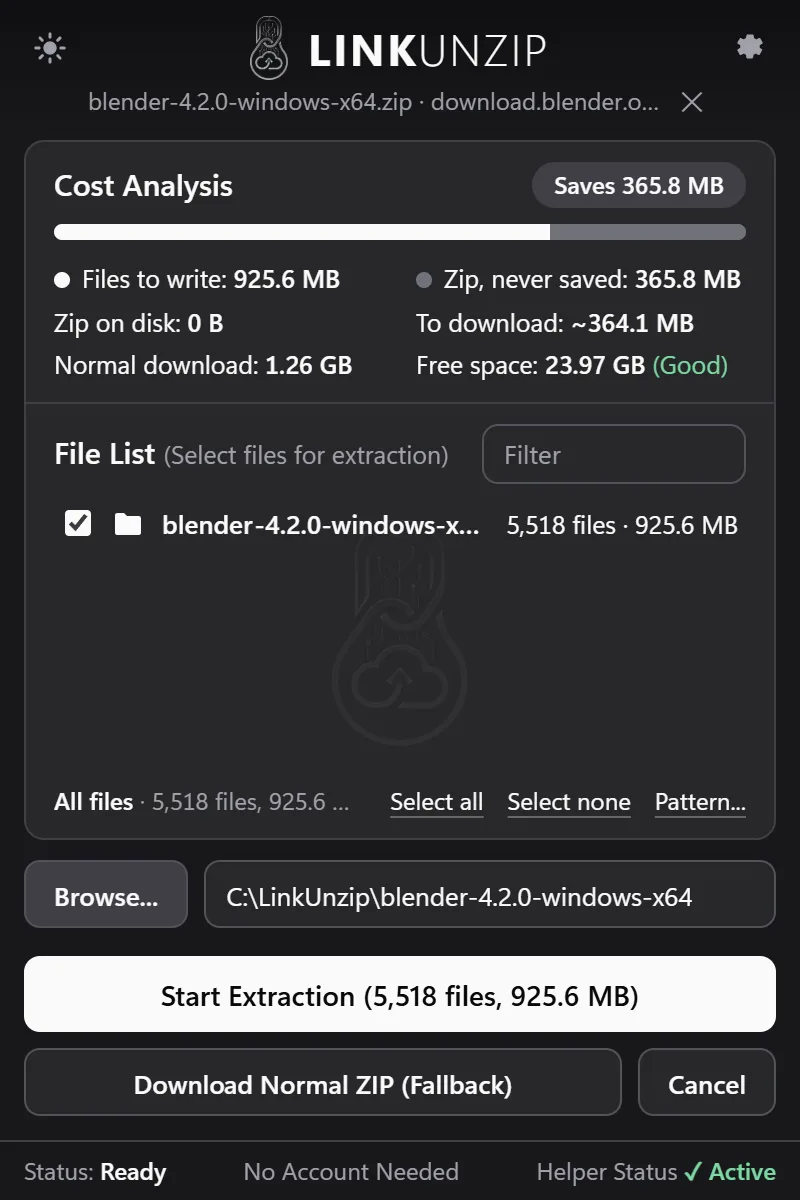
- Files to write: the space the files you ticked will take.
- Zip, never saved: the size of the zip you are not storing.
- Zip on disk: always 0 B.
- To download: what will come over the network for the files you ticked.
- Normal download: what download-then-extract would need on disk.
- Free space: your drive's free space, and whether the files fit.
What it saves, and what it doesn't
LinkUnzip saves the room the zip would take, and the download of every file you leave out. The extracted files still need their own space, the same as always. If you only need part of the archive, untick the rest and you save that space too.
LinkUnzip works on links. A zip that is already on your PC has already taken its space.
Questions
Does it save disk space for the extracted files too?
No. The files you extract take the same space as always. LinkUnzip saves the space of the zip itself, and the download of everything you leave out. For Blender 4.2 that meant 925.6 MB on disk instead of 1.26 GB. More on disk space.
Is there a size limit?
There is no 2 GB limit: LinkUnzip reads ZIP64 archives and its memory use stays flat. What you need is free space for the files you extract, and the Cost Analysis shows it before anything is written.
Can I download just one file from a big zip?
Yes. Tick it in the File List and LinkUnzip downloads only that part of the zip, plus the index. One 219 KB photo out of the 18.01 GB COCO train2017 zip took 12.2 MB of download. Take one file out.
Stop saving zips you only unpack once.
Free for Chrome, Edge and Brave on Windows 10 and 11. No account, no ads, no uploads.