
Zip too big to download? Take only the part you need
A 20 GB zip for one folder is a long wait and a full disk. LinkUnzip downloads only the files you tick.
The problem
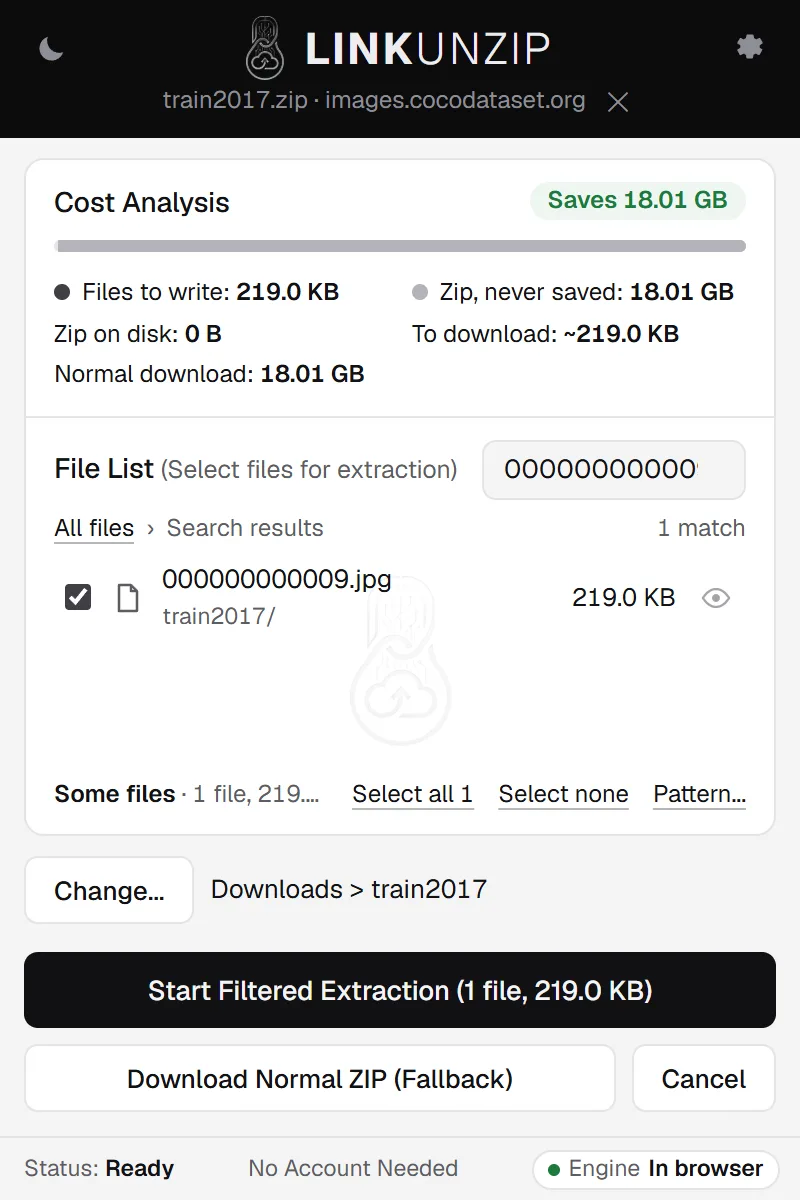
Datasets, game builds and backups often come as one huge zip. When you need a small part of it, a normal download still takes the whole archive, and unzipping needs room for the zip and the files at once. LinkUnzip reads the zip's index from the end of the file, shows you everything inside and downloads only what you tick: one 219 KB photo out of an 18.01 GB zip took 12.2 MB.
LinkUnzip is a free browser extension for Chrome, Edge and Brave that extracts a ZIP straight from a link, without ever saving the ZIP.
How to do it, in 3 steps
- Open the link in LinkUnzip. Right-click the zip's link and choose Extract with LinkUnzip, or paste the link in the toolbar popup.
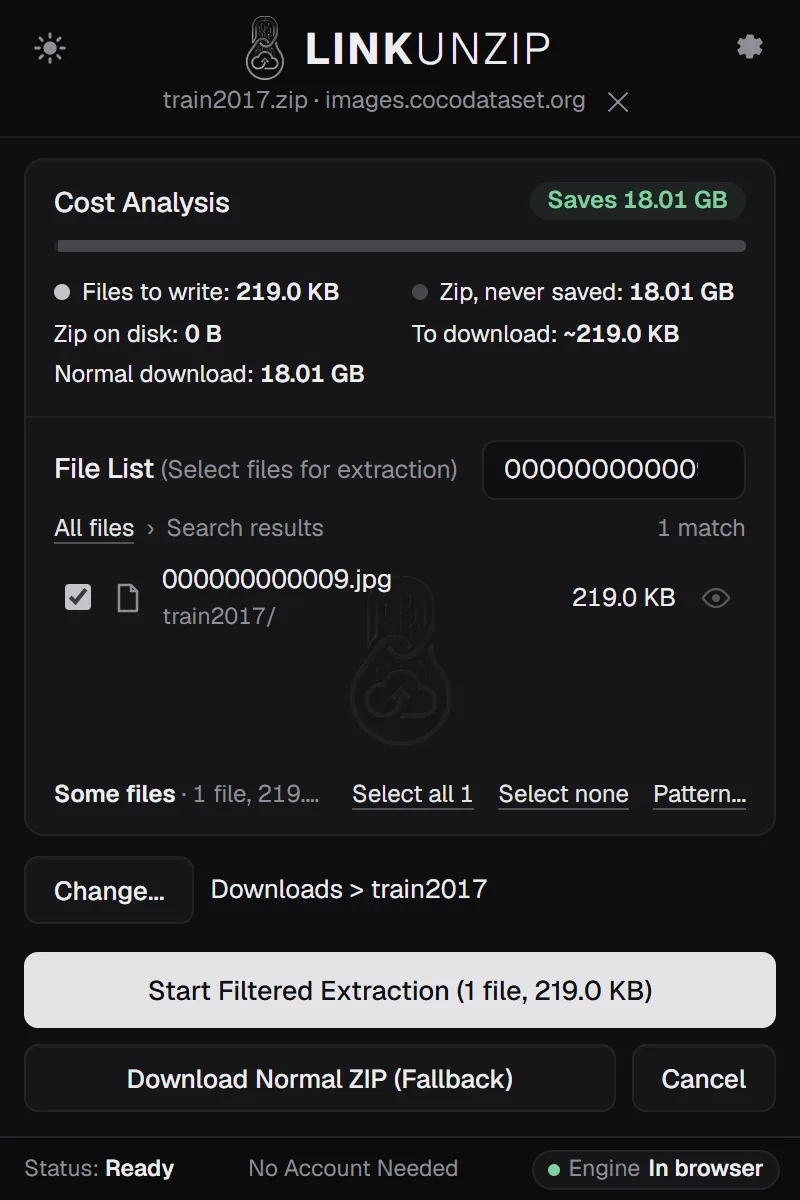
- Look and choose. The Cost Analysis shows how much the files take and how much will be downloaded. Untick the top folder and tick what you need, or use Filter to find files by name or type.
- Start. Click Start Filtered Extraction. Only those files are downloaded, checked and saved.
Measured examples
All with the extension alone in Chrome, nothing else installed:
| Zip | Size | Taken | Downloaded | Time |
|---|---|---|---|---|
| COCO train2017 | 18.01 GB | 1 photo, 219 KB | 12.2 MB | about 6 s |
| Flickr30k on Hugging Face | 4.09 GB | 1 photo, 213 KB | 7.2 MB | 5 to 7 s |
| Chest X-ray on Kaggle | 2.29 GB | 1 folder, 624 images, 75.4 MB | 76.2 MB | 10 to 13 s |
| Blender 4.2 for Windows | 365.8 MB | everything, 925.6 MB | 365.2 MB | 52 s |
Most of a small download is the zip's index, which lists every file; a zip with more files has a bigger index. The Blender row shows the other side: taking everything still downloads everything, but needs 925.6 MB on disk where a normal download and unzip needs 1.26 GB.
Limits
- The server has to send parts of a file (HTTP Range requests). Most download servers, CDNs and cloud storage do. If not, LinkUnzip offers to extract everything in one pass, which still never saves the zip.
- Signed links from cloud storage stop working after a while. If one expires, get a fresh link from the page.
- Zips only, with the two common compression methods. No RAR or 7z.
- The files you take still need their own space on disk.
Step by step for one site
- Download part of a Kaggle dataset
- Get files from a Hugging Face dataset zip
- Unzip GitHub's Download ZIP without saving the zip
- Extract a password-protected zip from a link
- Unzip when the zip is too big for your disk
Questions
My connection is slow. Does this help?
Yes, when you need only part of the zip: you download the index and the files you tick, not the rest. The 18.01 GB COCO zip cost 12.2 MB for one photo. If you need every file, you still download all of it, but you skip the room for the zip on disk.
Does it work with every server?
It works with servers that can send parts of a file (HTTP Range requests), which most download servers, CDNs and cloud storage can. For servers that can only send a file from start to end, Extract everything (one pass) reads the zip once, in the browser. Download normally hands the link back to the browser instead.
Is there a size limit?
There is no 2 GB limit: LinkUnzip reads ZIP64 archives. What you need is free space for the files you extract, and the Cost Analysis shows how much they take before anything is written. Browsers don't tell extensions how much room a drive has; with the helper, the Cost Analysis shows the free space too.
What happens if the download stops halfway?
The files that are finished stay. Resume carries on into the same folder and skips them. If the network drops, a file stored without compression carries on from where it stopped; a compressed one starts again. Finished files are never fetched again. Stop and Resume.
Stop saving zips you only unpack once.
Free for Chrome, Edge and Brave. Nothing else to install, no account, no ads, no uploads.