
Extract a password-protected zip from a link
Type the password once in LinkUnzip and take the files straight from the link, all of them or only the ones you need.
The problem
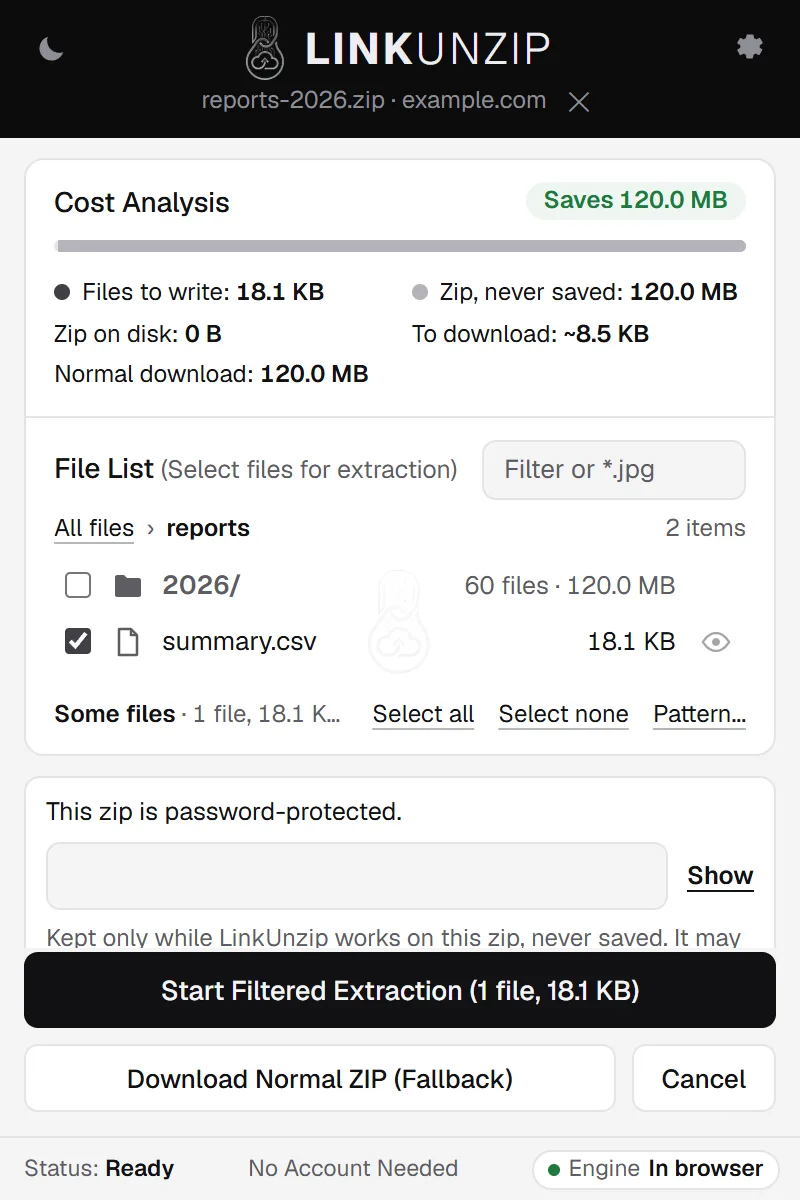
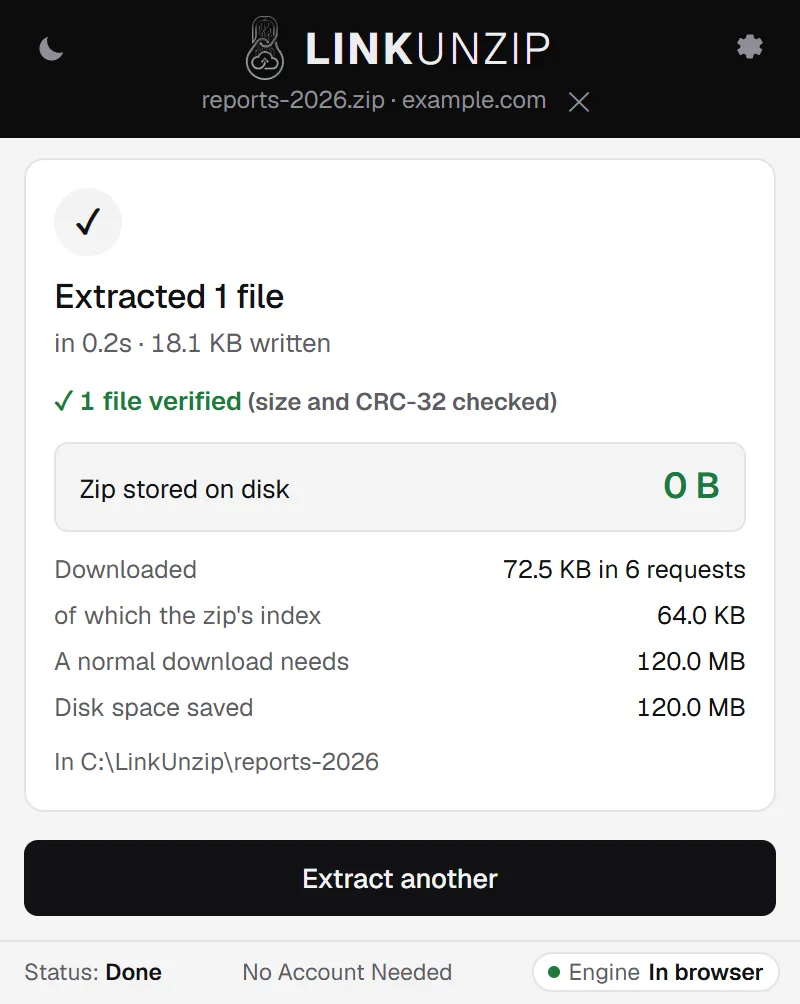
A password-protected zip on a website usually means downloading all of it, opening it in a separate program and typing the password there. LinkUnzip 1.3.0 opens protected zips in the browser: you see the file list, type the password, tick what you need, and only those files are downloaded. One file out of a 120.0 MB protected zip took 72.5 KB of download in our test.
LinkUnzip is a free browser extension for Chrome, Edge and Brave that extracts a ZIP straight from a link, without ever saving the ZIP.
How to do it, in 3 steps
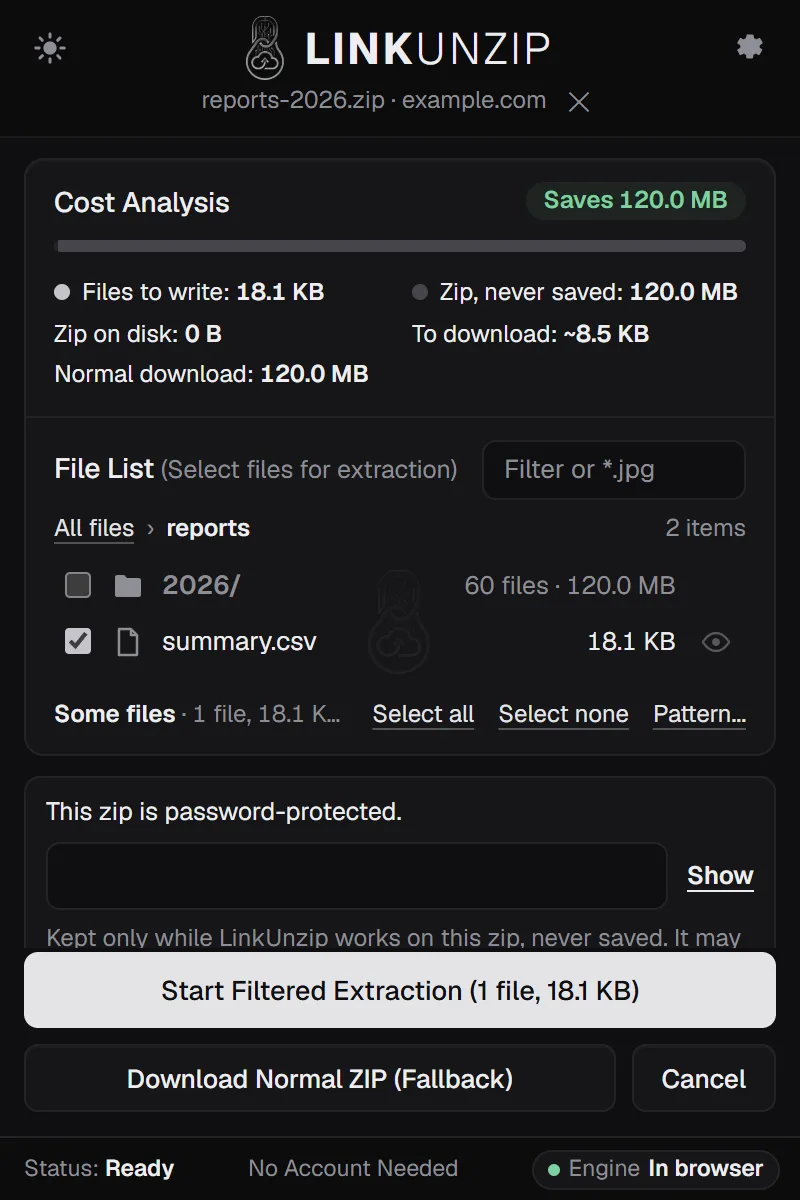
- Open the link in LinkUnzip. Right-click it and choose Extract with LinkUnzip, or paste it in the popup. LinkUnzip says This zip is password-protected and still shows every file and folder.
- Type the password. It goes in the field below the file list. LinkUnzip keeps it only while it works on this zip.
- Tick the files and start. Leave everything ticked for the whole zip, or tick only what you need, then click Start Filtered Extraction. Each file is decrypted and checked before it gets its real name.
A measured example
We made a 120.0 MB zip of 61 files, encrypted with WinZip AES-256 (the kind 7-Zip and WinZip make), and served it from a test server on the same PC. That makes the times faster than over the internet, so look at the bytes downloaded. LinkUnzip 1.2.0, the extension alone in Chrome, 11 November 2026:
| Taken | Written | Downloaded | Zip on disk |
|---|---|---|---|
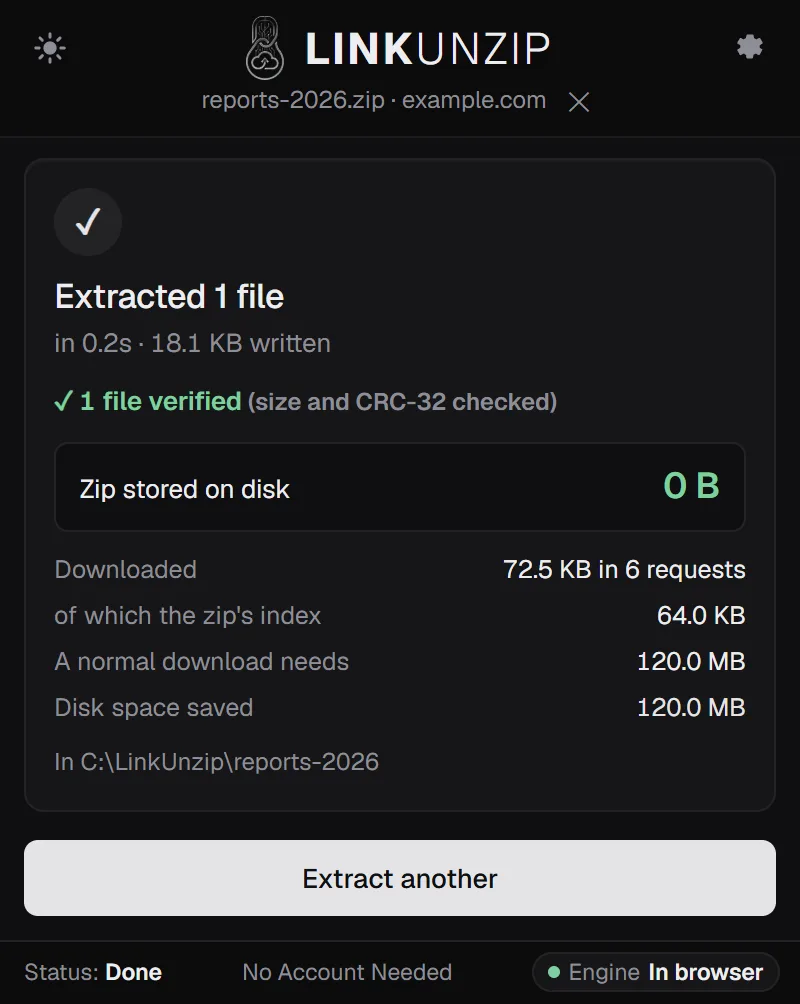
| One file | 18 KB | 72.5 KB in 6 requests | 0 B |
| All 61 files | 120.0 MB | 120.0 MB in 8 requests | 0 B |
Every file was decrypted and verified. The one file cost the zip's index and that file's data, nothing else.
Limits
- ZipCrypto and WinZip AES, the kinds Windows, 7-Zip and WinZip make. Not the rarer PKWARE strong encryption.
- Zips only: password-protected RAR or 7z files are out of scope.
- The measurement above used a test server on this PC, not a real website. The download sizes carry over; the times don't.
- LinkUnzip can't recover a password you don't have.
Questions
Is my password saved?
No. LinkUnzip keeps it in memory only while it works on that zip and never writes it to storage. It may ask again later, for example after the browser restarts.
What happens if I type the wrong password?
Nothing is written. LinkUnzip checks the password on the first protected file before it writes anything and says That password doesn't fit, so you can try again.
Why can I see the file names before the password?
A zip's password protects what is inside the files, not their names: the index with names and sizes is not encrypted. That is why you can tick files before you type the password.
Can I preview a protected file?
Yes. Click the eye on its row; the preview asks for the password if you haven't given it yet. Preview a zip.
Stop saving zips you only unpack once.
Free for Chrome, Edge and Brave. Nothing else to install, no account, no ads, no uploads.