
Get files from a Hugging Face dataset zip without downloading it
Some datasets on Hugging Face are one big zip of images. Take the few you need, not all 4.09 GB.
The problem
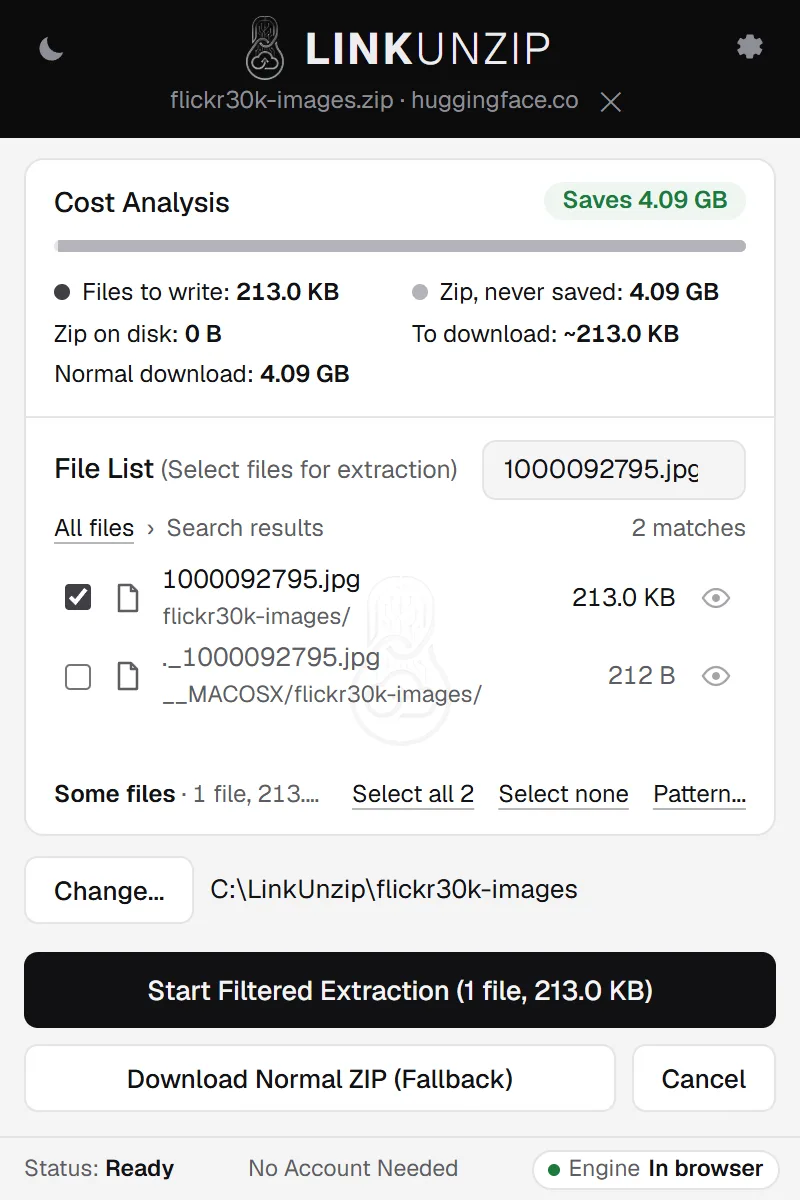
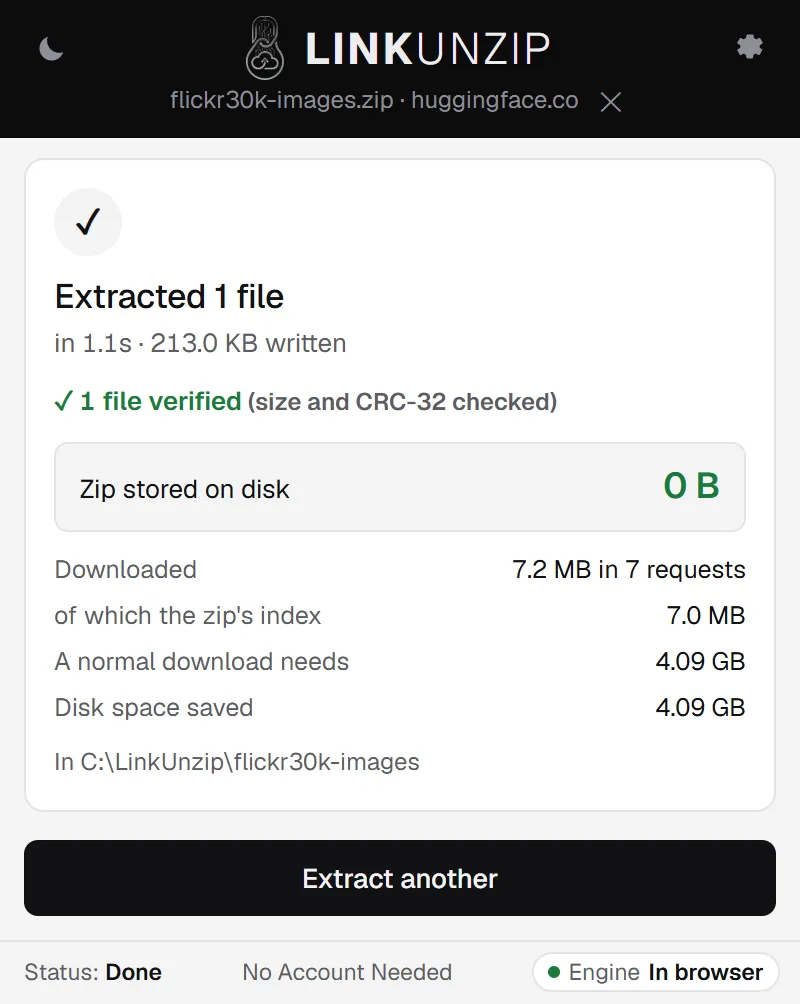
Image datasets on Hugging Face are often stored as one zip of several gigabytes. To look at a handful of images you would download the whole archive first. LinkUnzip reads the zip's index from Hugging Face, lets you tick the files you need and downloads only those: one photo from a 4.09 GB zip took 7.2 MB in our test.
LinkUnzip is a free browser extension for Chrome, Edge and Brave that extracts a ZIP straight from a link, without ever saving the ZIP.
How to do it, in 3 steps
- Copy the zip's link. On the dataset's Files and versions tab, copy the link of the zip's download arrow. It has
/resolve/in it, likehttps://huggingface.co/datasets/nlphuji/flickr30k/resolve/main/flickr30k-images.zip. - Paste it in the LinkUnzip popup. LinkUnzip follows Hugging Face's redirect to its file servers, reads the index (7.0 MB here, in 4 to 6 s) and lists every file.
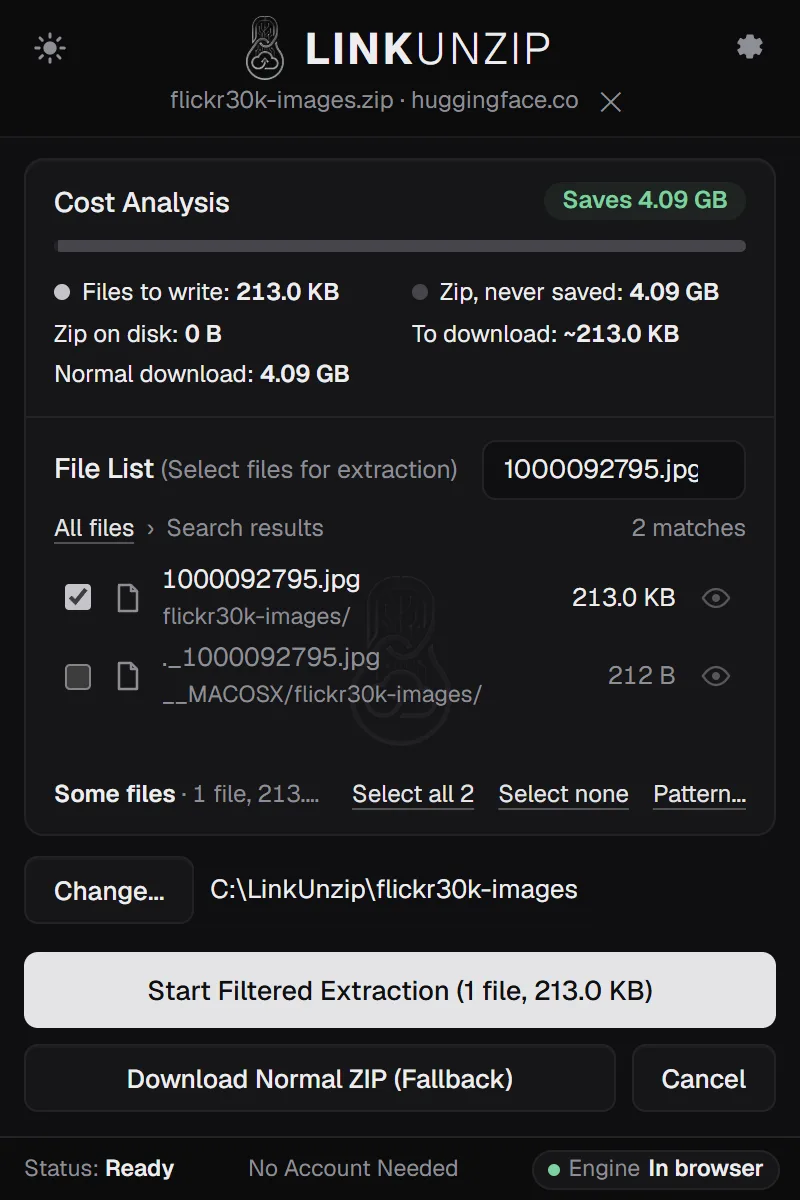
- Find the files and start. Type a name in Filter, or
*.jpgfor a type, tick what you need and click Start Filtered Extraction.
A measured example
The images of the nlphuji/flickr30k dataset are a 4.09 GB zip with 63,569 files. We took one photo out of it with LinkUnzip 1.2.0, the extension alone in Chrome, on 11 November 2026:
| Zip on Hugging Face | 4.09 GB, 63,569 files |
|---|---|
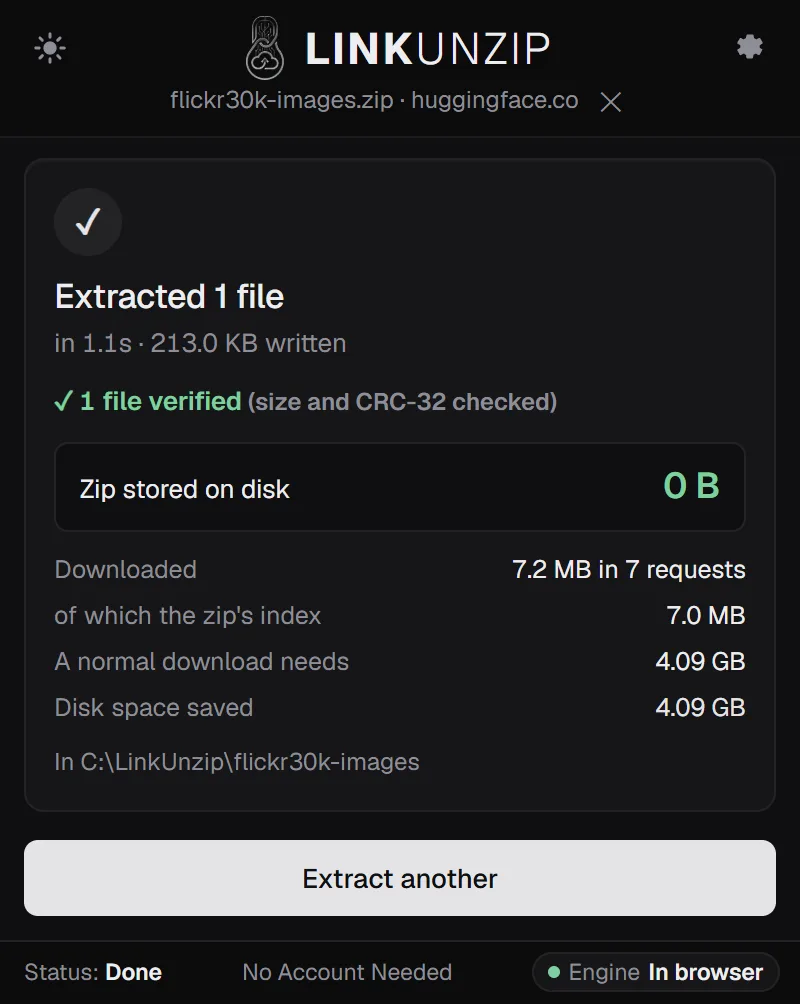
| File written | 1 photo, 213 KB, verified |
| Downloaded | 7.2 MB in 7 requests, of which the index was 7.0 MB |
| Time | 5 to 7 s: 4 to 6 s for the index, about 1 s for the photo |
| Zip on disk | 0 B |
We ran it twice: the same bytes both times. Almost all of the download is the index, which lists every file; the photo itself is 213 KB. Every further file you take costs about its own size.
Half of the 63,569 files in this zip are __MACOSX leftovers from the Mac it was made on. Leave that folder unticked.
Limits
- Only for datasets stored as a zip. Parquet, CSV and tar files are out of scope.
- Tested with a public dataset. Gated and private datasets were not tested.
- Hugging Face sends the file through a signed link that expires after a while. LinkUnzip starts from the
huggingface.colink, which gives a fresh one each time; if a job stops for long, start it again from that link.
Questions
Do I need a Hugging Face account?
Not for public datasets: the example on this page was measured with no account. Gated datasets, the ones that ask you to accept terms first, were not tested.
Why does my link open a web page?
Links with /blob/ in them open the file's page on the site. The file itself is at the same address with /resolve/ instead. LinkUnzip says so when a link opens a page instead of the file.
Does it work with Parquet or CSV datasets?
No. LinkUnzip opens zip files. Many Hugging Face datasets are stored as Parquet or CSV files that you can already download one by one; LinkUnzip is for the ones packed into a zip.
Can I look at a photo before I take it?
Yes. The eye on a file's row opens it in a tab, downloading only that file. Preview a zip.
Stop saving zips you only unpack once.
Free for Chrome, Edge and Brave. Nothing else to install, no account, no ads, no uploads.