
Download part of a Kaggle dataset without the whole zip
Kaggle hands you one big zip. LinkUnzip lets you tick one folder and downloads only that.
The problem
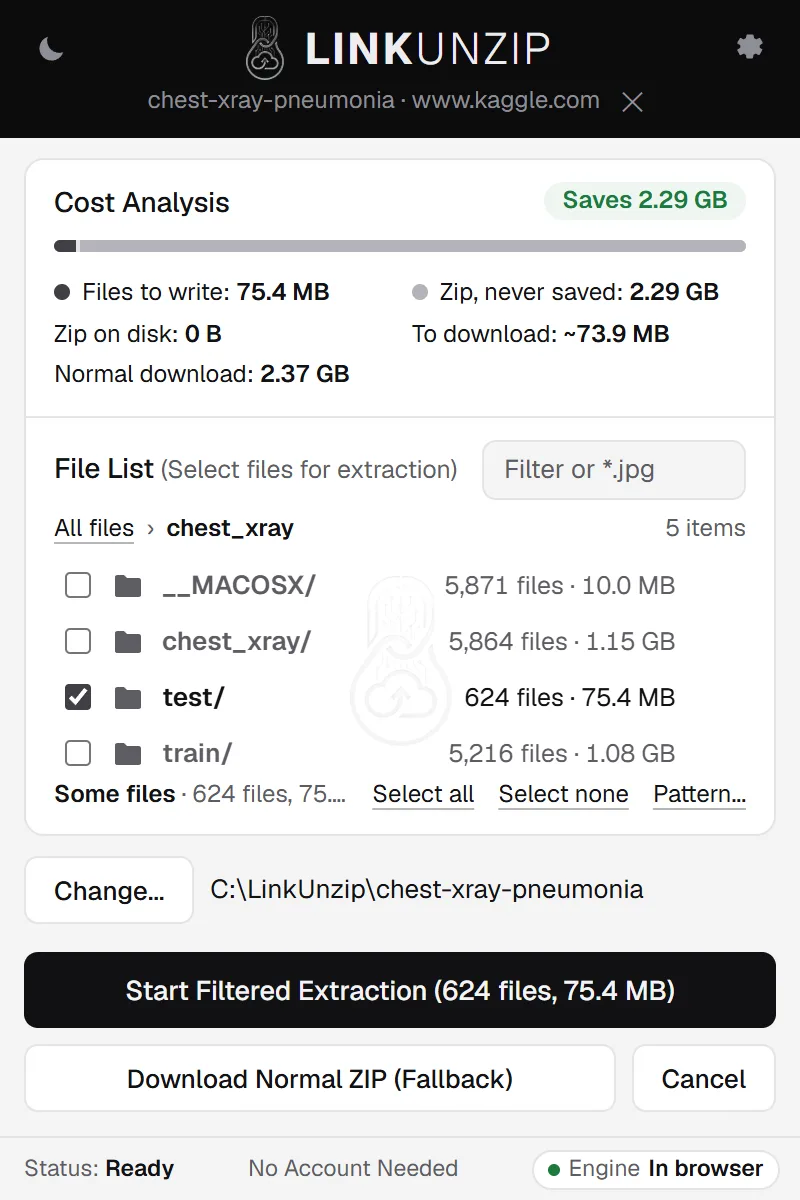
Kaggle gives every dataset as one zip. If you need one folder, say the test images, you still have to download all of it, wait, unzip it and delete the rest. With LinkUnzip you paste the dataset's download link, tick the folder, and only that folder is downloaded: 76.2 MB instead of 2.29 GB in our test.
LinkUnzip is a free browser extension for Chrome, Edge and Brave that extracts a ZIP straight from a link, without ever saving the ZIP.
How to do it, in 3 steps
- Make the download link. A dataset's page address ends in
/datasets/owner/name. Its zip is athttps://www.kaggle.com/api/v1/datasets/download/owner/name. For the dataset below that ishttps://www.kaggle.com/api/v1/datasets/download/paultimothymooney/chest-xray-pneumonia. - Paste it in the LinkUnzip popup. Click the LinkUnzip button in the toolbar, paste the link and press Enter. LinkUnzip reads the zip's index, about 2.2 MB here, in about 3 s, and shows every folder with its size.
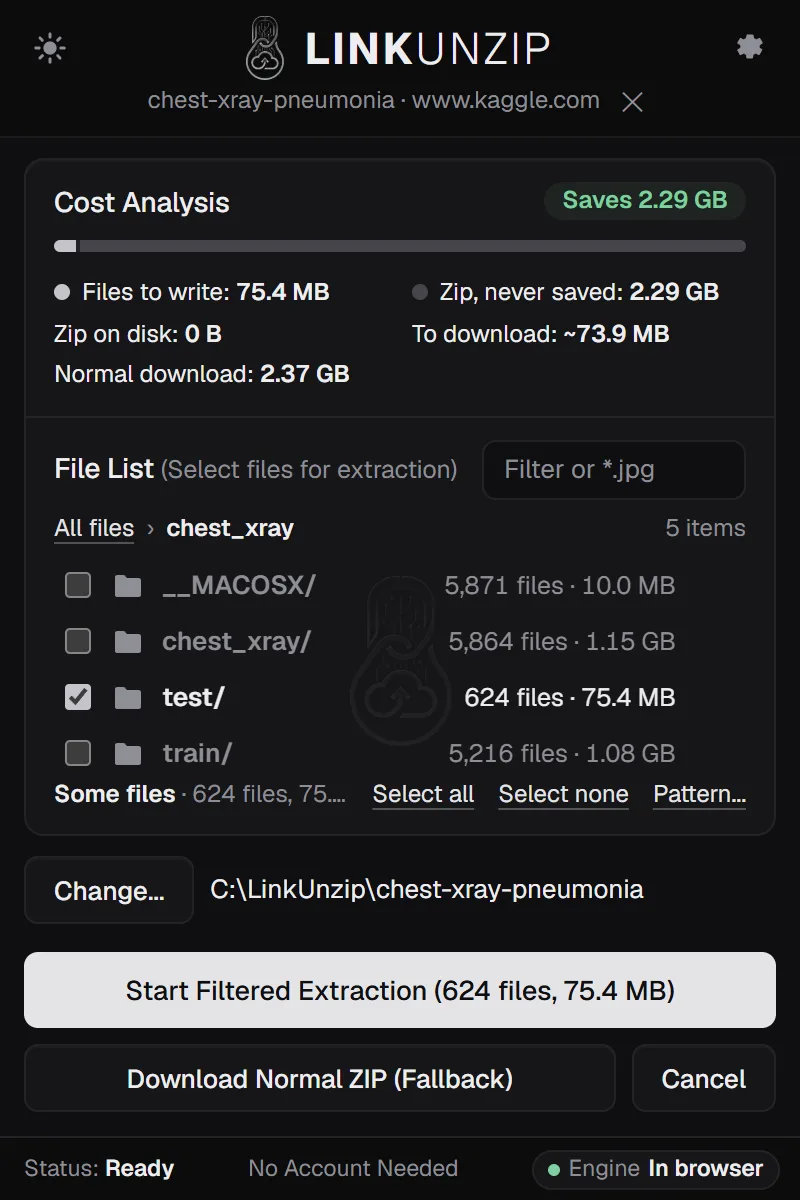
- Tick the folder and start. Untick the top folder, open it, tick the folder you need and click Start Filtered Extraction. The button shows how many files and how much data you chose.
A measured example
The Chest X-Ray Images (Pneumonia) dataset is a 2.29 GB zip with 17,591 files. We took only its chest_xray/test folder of 624 images with LinkUnzip 1.2.0, the extension alone in Chrome, into a folder we chose, on 11 November 2026:
| Zip on Kaggle | 2.29 GB, 17,591 files |
|---|---|
| Files written | 624 images, 75.4 MB, all verified |
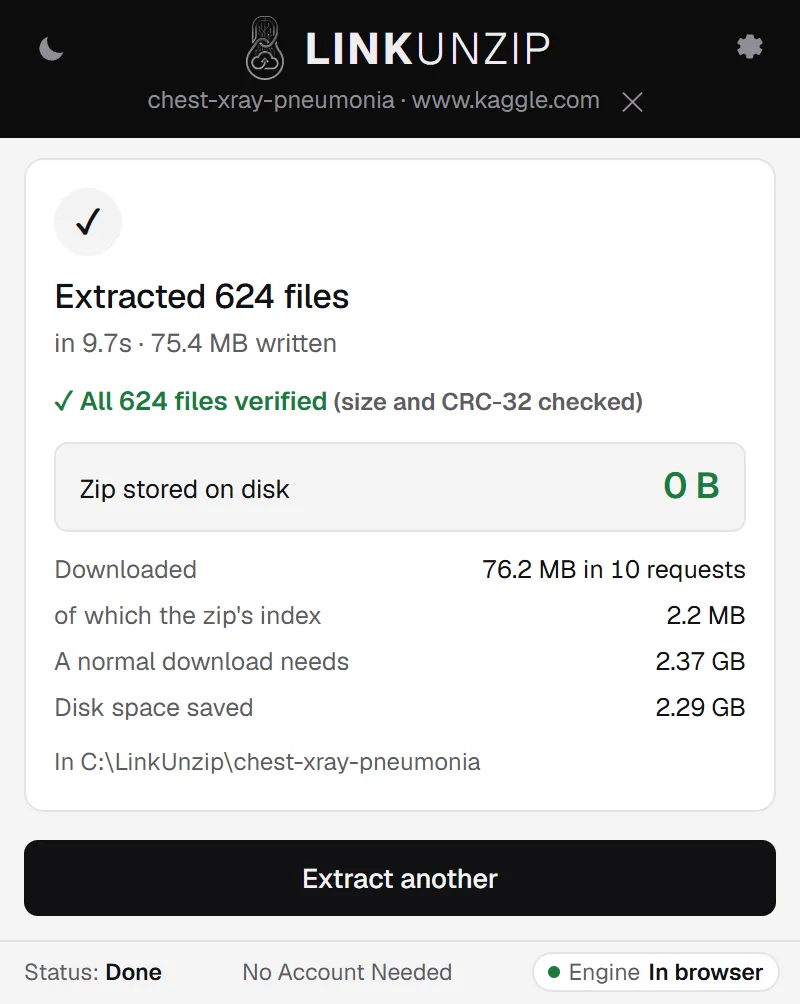
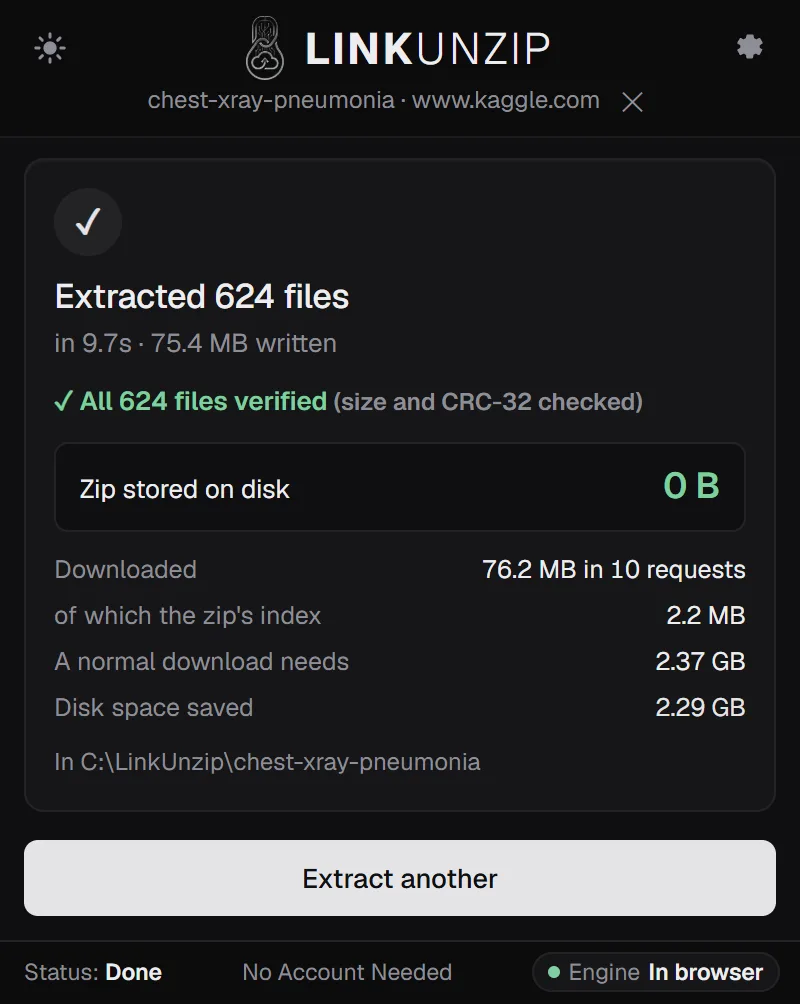
| Downloaded | 76.2 MB in 10 requests, of which the index was 2.2 MB |
| Time | 10 to 13 s: about 3 s for the index, 7 to 10 s for the images |
| Zip on disk | 0 B |
| A normal download needs | 4.6 GB on disk (the zip and the unzipped files) |
We ran it twice: the same bytes both times, and the time moved with the connection.
A tip from this zip: it holds the images twice, once in chest_xray/ and once more in chest_xray/chest_xray/, plus a __MACOSX folder of Mac leftovers. Looking at the file list first saves you from downloading copies.
Limits
- Kaggle sends the zip from Google's storage (storage.googleapis.com) through a signed link that is valid for 3 days. Paste the
kaggle.comlink, not the storage one: it makes a fresh signed link each time. - Tested with public datasets only. Competition data and private datasets were not tested.
- Some Kaggle datasets are a few separate files rather than one zip. LinkUnzip only helps when there is a zip.
- The files you take still need their own space on disk.
Questions
Do I need to be logged in to Kaggle?
Not for public datasets. The example on this page was measured in a fresh browser profile with no Kaggle account. Private datasets were not tested.
Does it work for competition data?
Not tested yet. Competition files need you to sign in and accept the competition's rules first, so the link above does not cover them. This page will say so once it has been measured.
Is the 2.29 GB zip saved anywhere?
No. LinkUnzip reads the zip's index and the parts of the files you tick, straight from Kaggle's storage. The done screen shows Zip stored on disk 0 B.
Can I take the whole dataset this way?
Yes: leave everything ticked. You still skip the room for the zip, so you need space for the files only. More on disk space.
Stop saving zips you only unpack once.
Free for Chrome, Edge and Brave. Nothing else to install, no account, no ads, no uploads.