
Unzip from a URL on Mac without saving the zip
LinkUnzip runs in Chrome on macOS. Look inside a zip on a website, take only the files you need, and never save the zip.
Does LinkUnzip work on Mac?
Yes. LinkUnzip 1.2.0 was tested in Google Chrome on macOS 15 (Apple silicon) with the same real downloads as on Windows and Linux: a Kaggle dataset, a Hugging Face zip, GitHub's Download ZIP and a password-protected zip. All 13 test runs passed, and the files it saved into Downloads matched a normal download of the same zip byte for byte.
LinkUnzip is a free browser extension for Chrome, Edge and Brave that extracts a ZIP straight from a link, without ever saving the ZIP. It runs inside the browser, so on a Mac there is nothing else to install.
The usual way on a Mac
On a Mac, a zip from a website is usually downloaded in full, then opened by Archive Utility (Safari even unzips it by itself if Open "safe" files after downloading is on). Either way every byte is downloaded, the zip sits next to its files until you delete it, and you only see what is inside at the end. In Terminal it is the same: curl for the whole zip, then unzip.
# the usual way in Terminal: all 2.29 GB, then unzip, then delete
curl -L -o data.zip "https://www.kaggle.com/api/v1/datasets/download/paultimothymooney/chest-xray-pneumonia"
unzip data.zip "chest_xray/test/*" && rm data.zip
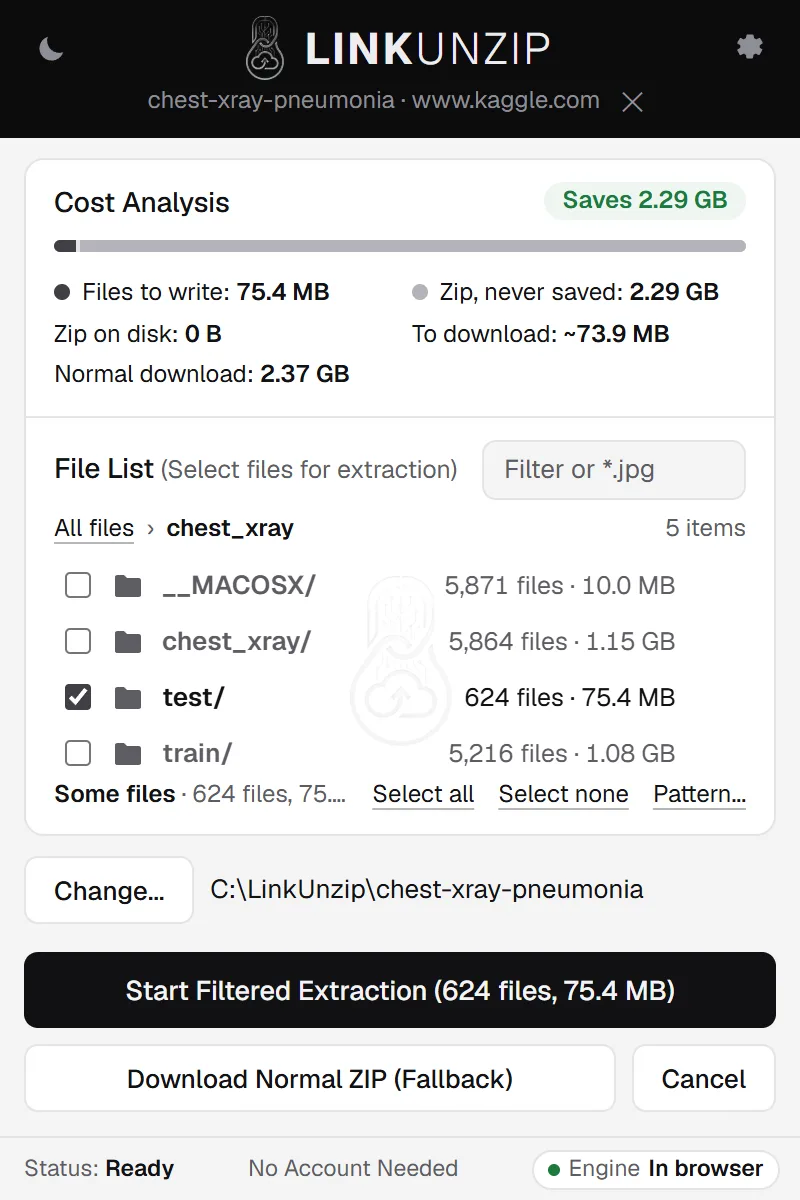
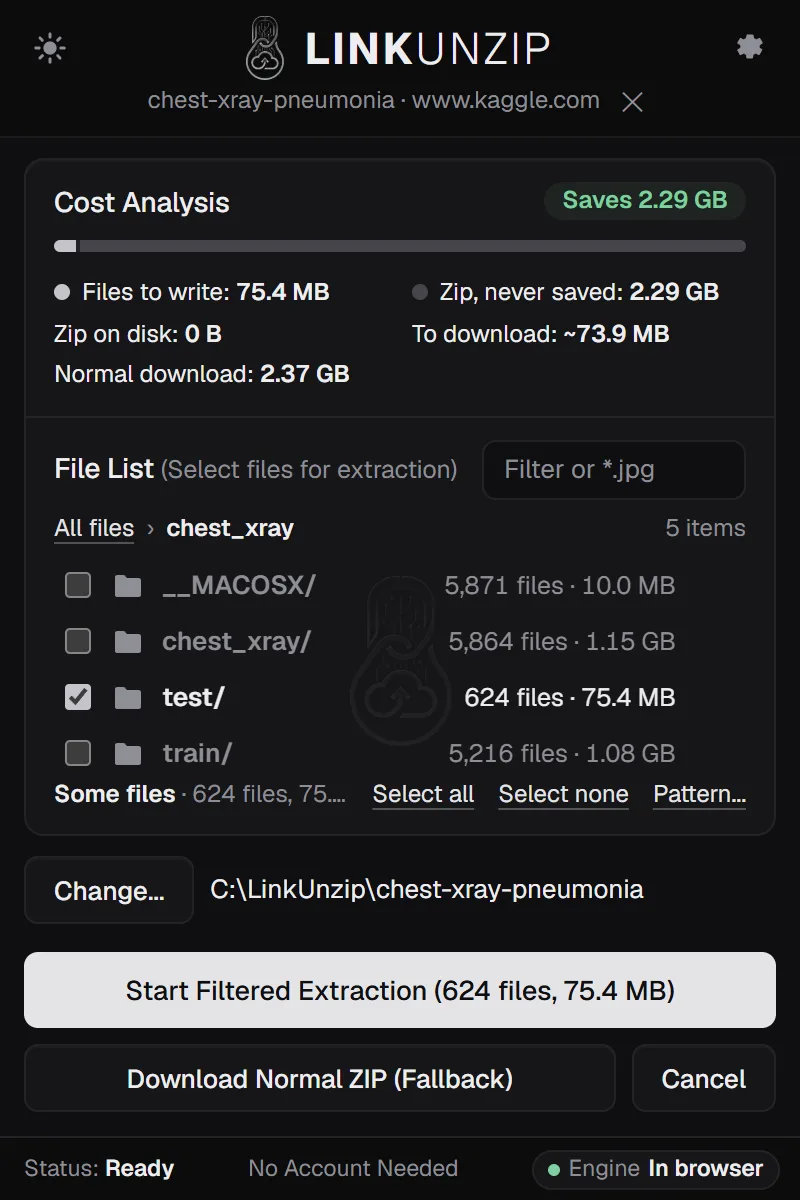
LinkUnzip reads the zip's index from the server first, so you see every file and its size before anything is downloaded. Then it downloads only the files you tick: the same Kaggle folder costs 76.2 MB instead of 2.29 GB.
How to do it, in 3 steps
- Add LinkUnzip to Chrome. From the Chrome Web Store, like any extension. No account.
- Open the zip's link in LinkUnzip. Control-click (or right-click) the link and choose Extract with LinkUnzip, or paste the link in the toolbar popup. You see every file and folder with its size.
- Tick what you need and start. The files go into your Downloads folder, in a folder named after the zip, or into a folder you choose in Settings.
Tested on macOS
Google Chrome on macOS 15, Apple silicon, LinkUnzip 1.2.0, 11 November 2026. The same tests as on Linux and Windows, against the real servers:
| Test | What it took on Windows and Linux | On Mac |
|---|---|---|
| Kaggle: one folder, 624 images | 76.2 MB of a 2.29 GB zip | Passed, twice |
| Hugging Face: one photo | 7.2 MB of a 4.09 GB zip | Passed, three times |
| GitHub Download ZIP: React, 7,276 files, one pass | 13.8 MB read in one pass | Passed, twice |
| Password zip (AES-256): one file and all 61 | 72.5 KB for one file | Passed, five times |
| Into Downloads: ripgrep's Download ZIP, 226 files | Same files as a normal download | All 226 identical, byte for byte |
Every file was checked (size and CRC-32) before it got its name, and no zip was ever saved. The test ran on a Mac that GitHub lends to open-source projects; the source code is public.
Skip the __MACOSX folder
Zips made with a Mac's Compress often carry a __MACOSX folder of hidden Finder data, as many as there are real files. In the Flickr30k zip on Hugging Face it is half of the 63,569 files. Leave that folder unticked in the file list and it is never downloaded.
Limits
- Not in Safari or Firefox: LinkUnzip is a Chrome extension (Chrome, Edge, Brave, Chromium).
- Tested in Google Chrome on macOS 15 with Apple silicon. Intel Macs, older macOS versions and Edge or Brave on Mac have not been tested yet, and neither has choosing a folder through the Mac folder picker.
- Into Downloads, Chrome doesn't take names that start with a dot:
.gitignoreis saved as_.gitignore. Into a folder you choose, names stay as they are. - The optional helper and the command line are Windows only.
Questions
Does it work in Safari?
No. LinkUnzip is an extension for Chrome and the browsers built on it: Chrome, Edge, Brave and Chromium. On a Mac, install Chrome (or one of the others) and add LinkUnzip there.
Does it work on an Intel Mac?
It should: the extension is the same JavaScript on every Mac, and Chrome runs on Intel Macs too. The test ran on Apple silicon, so Intel Macs have not been tested yet.
Which macOS versions does it support?
Any macOS where Chrome 116 or newer runs. It was tested on macOS 15 Sequoia.
Do I need Homebrew or anything else?
No. Add LinkUnzip from the Chrome Web Store and that is all. It runs inside the browser: no Homebrew, no Terminal, nothing to allow in System Settings. Install LinkUnzip.
Is there a command line for Mac?
Not yet. The command line comes with the optional helper, which is Windows only. On a Mac, LinkUnzip is the browser extension.
Stop saving zips you only unpack once.
Free for Chrome, Edge and Brave. Nothing else to install, no account, no ads, no uploads.