 LinkUnzip

 Add to Chrome

Checks every file before it gets its name
Each file is checked against the size and CRC-32 stored in the zip. A file that doesn't check out never appears.
A free extension for Chrome, Edge and Brave, on Windows, Mac and Linux. It reads the zip's index, shows what is inside and saves only the files you pick.
Choose Extract with LinkUnzip, or paste a link in the toolbar popup. It reads the zip's index first.
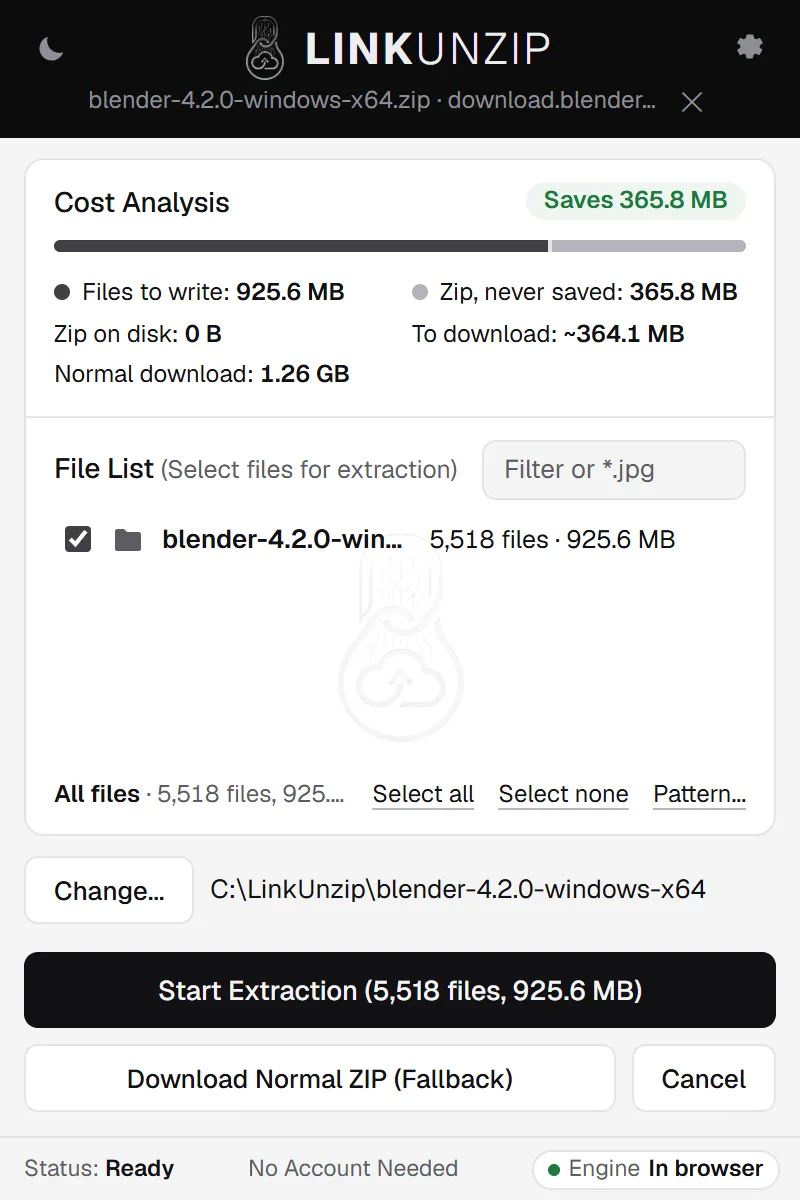
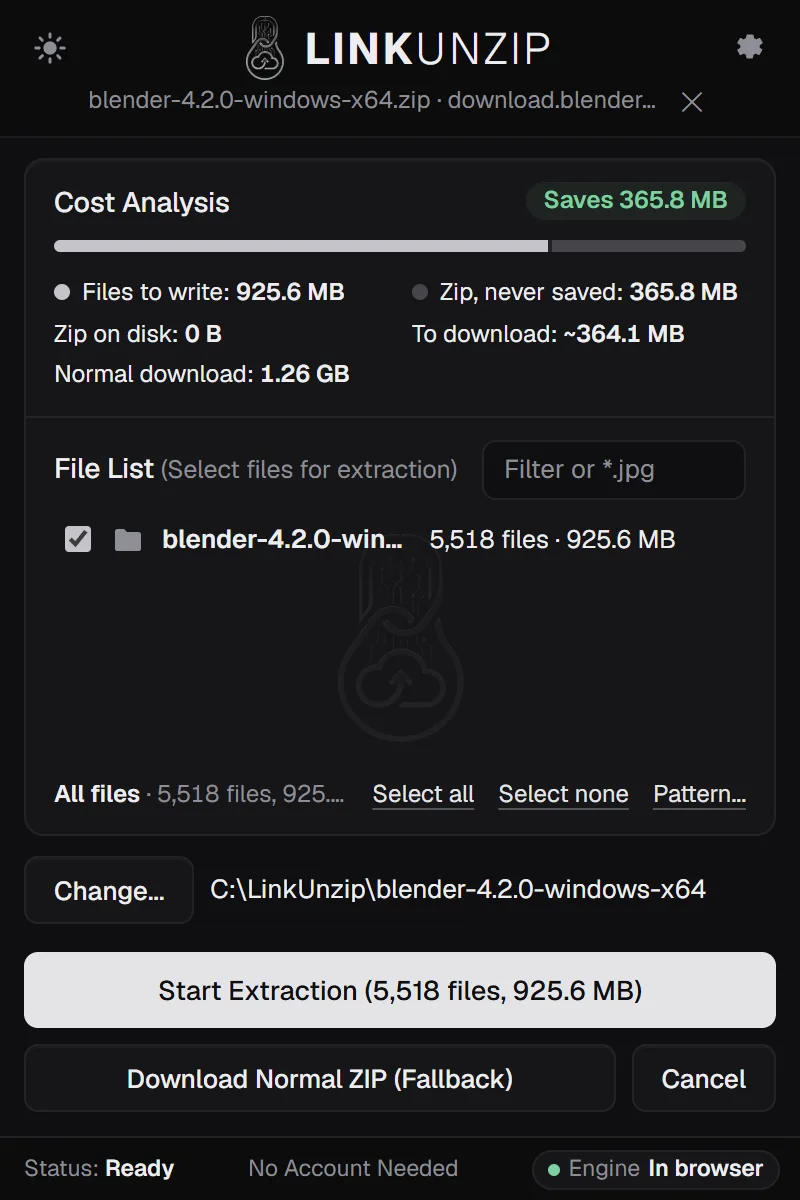
Files you leave out are never downloaded. Filter by name or type, or open one file to look at it first.
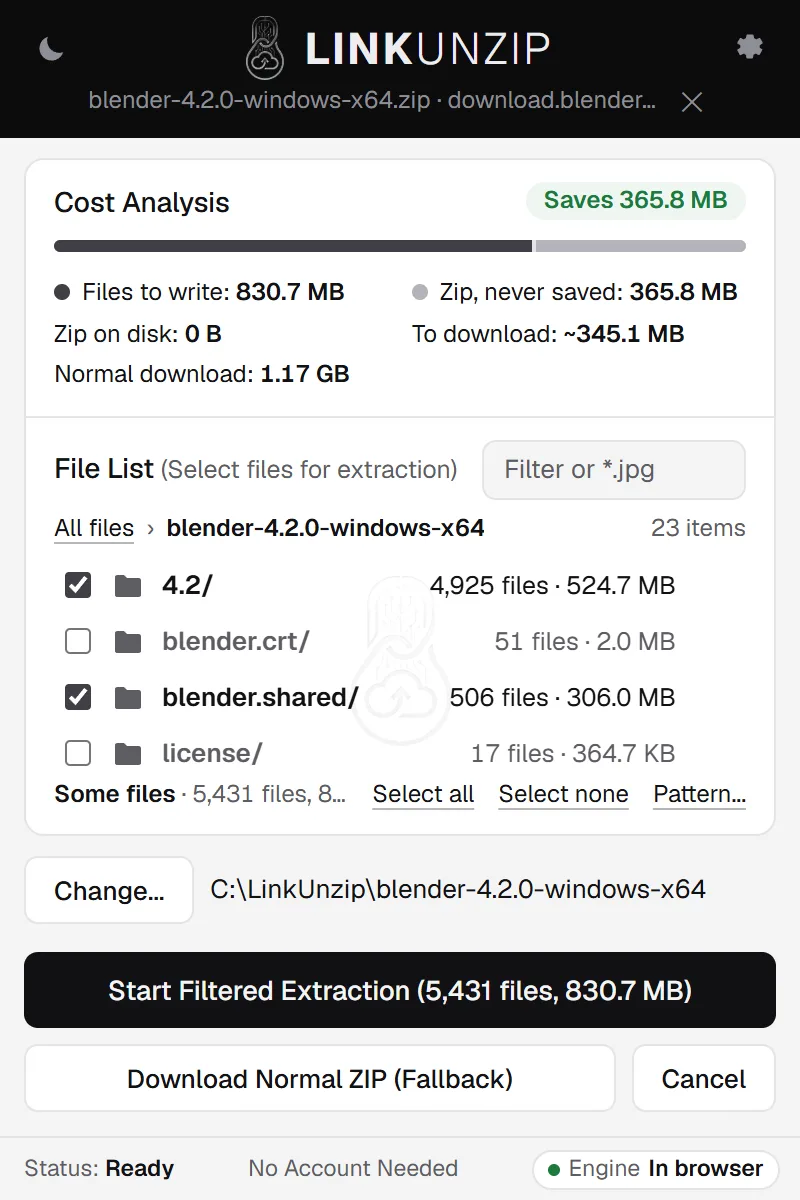
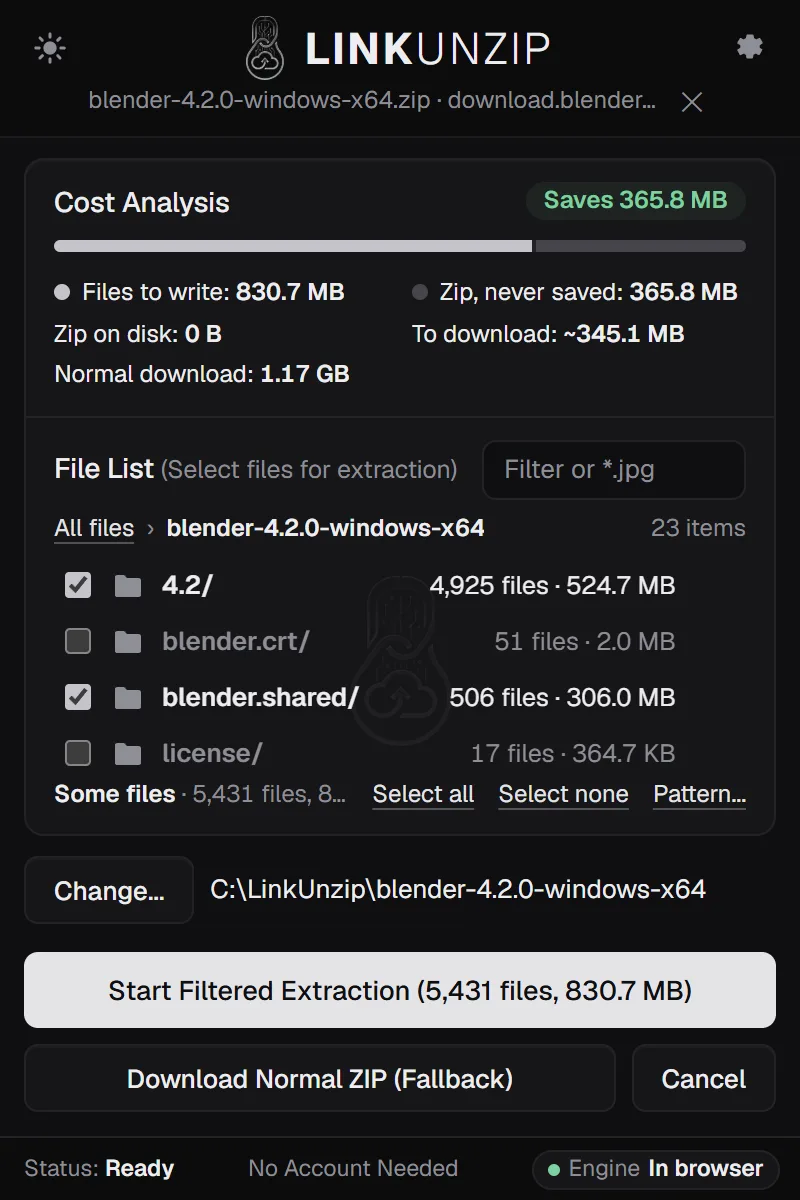
Each file is checked and saved into Downloads or a folder you choose. A notification says when it is done.
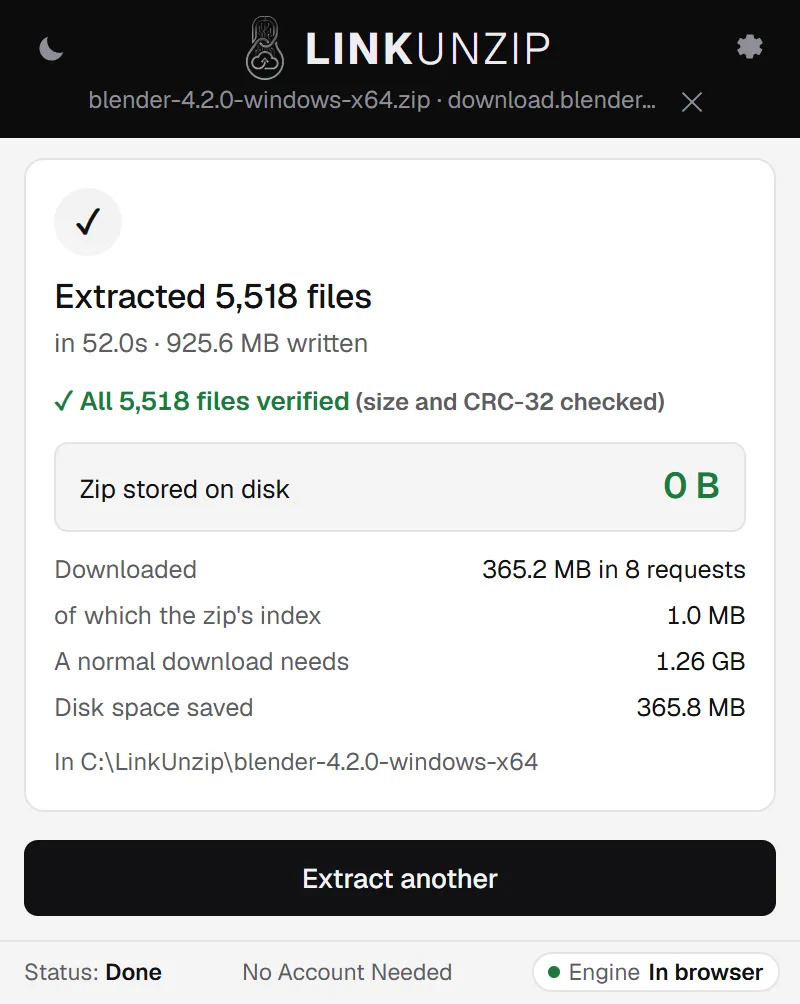
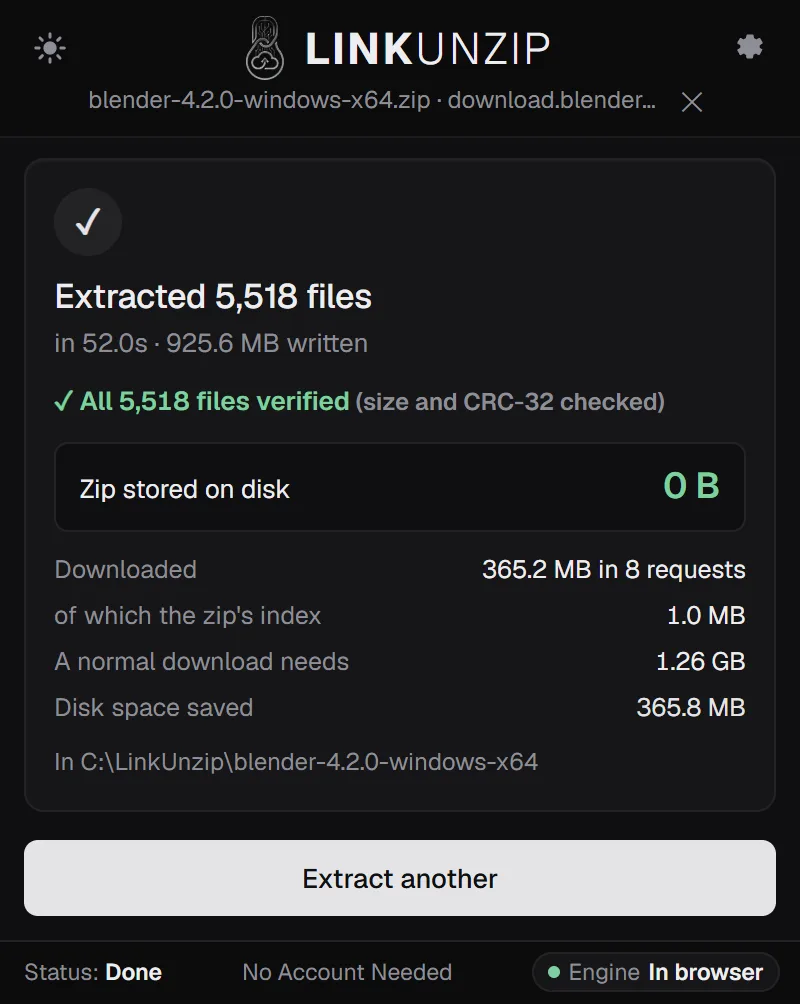
LinkUnzip downloads only the parts of the zip it needs and writes the files straight into a folder. Your disk needs room for the files, not for the files plus the zip.
Each one has its own page with the measured runs.
Every file and folder with its size, read from the index. For the 18.01 GB COCO zip that was 11.9 MB.
Preview a zip 02Tick what you need and download only those parts. One 219 KB photo took 12.2 MB, not 18.01 GB.
Take one file out 03The Cost Analysis shows what the zip would take before anything is written.
Save disk space 04The optional helper for Windows adds a command line, GitHub's Download ZIP and the free space on the drive.
Read the command line guideChecked, resumable and careful with zips you don't trust.
Each file is checked against the size and CRC-32 stored in the zip. A file that doesn't check out never appears.
Text, code, CSV, images, PDF, audio and video open in a tab. Only that file is downloaded.
A name that would write outside the folder is stopped before anything is saved.
Resume skips files that are already finished, also after a break. 4 connections by default, up to 16.
ZIP64, with no 2 GB limit. Folders with tens of thousands of files are paged, not frozen.
Into Downloads by default, in a folder named after the zip. For zips with thousands of files, pick a folder of your own in Settings: it is much faster.
.dll and .ini files None 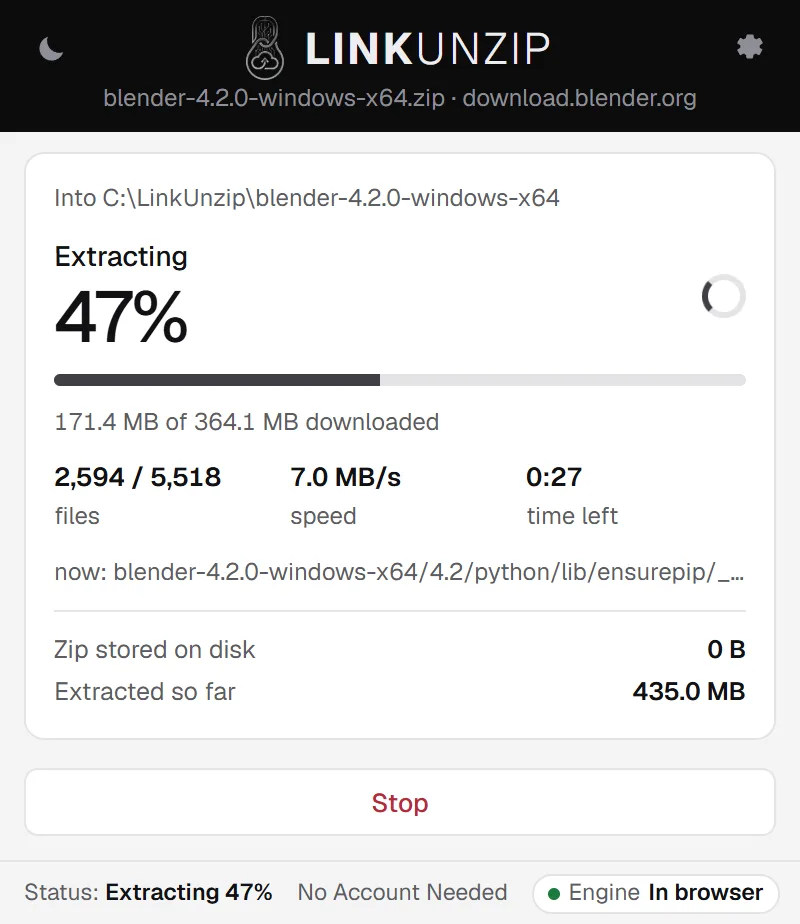
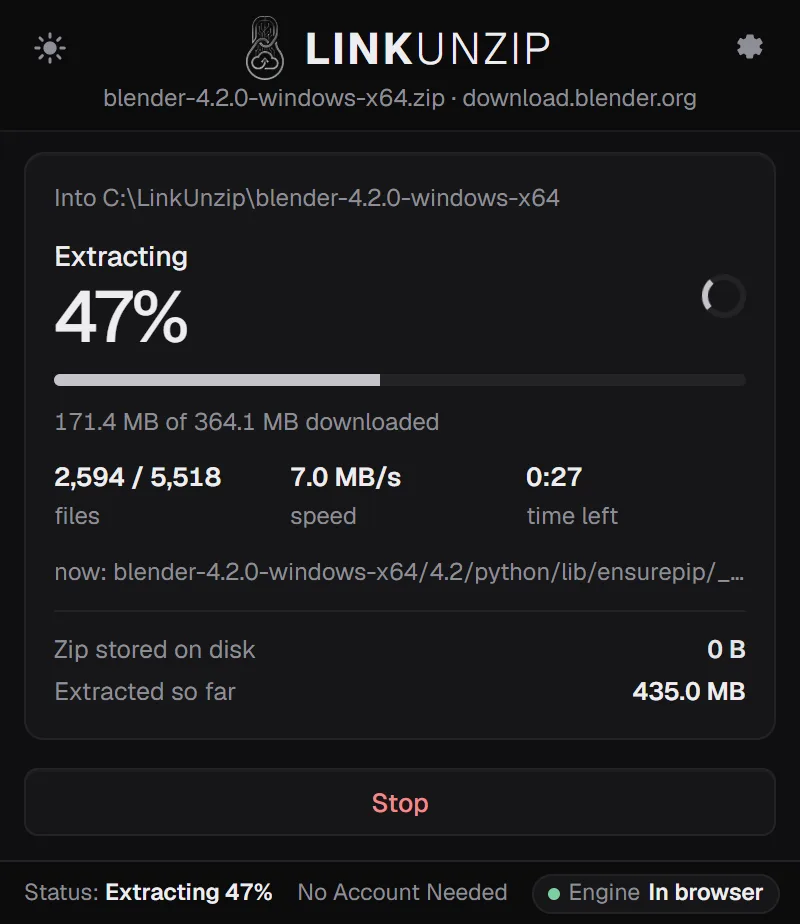
No. You add LinkUnzip from the Chrome Web Store and that is all: reading the zip, downloading the parts, unpacking and checking every file all happen inside the browser. An optional helper for Windows adds a few extras, such as GitHub's Download ZIP and the command line. Install LinkUnzip.
LinkUnzip treats every archive as untrusted. It refuses paths that would escape the folder (.., absolute paths, drive letters) before anything is written, renames names Windows can't store and says so, never writes more than a file's declared size, and gives a file its real name only after its size and CRC-32 check out. Previews show HTML as source and never run it.
 Brave