
Download part of the COCO dataset without the 18 GB zip
COCO's train2017 images come as one 18.01 GB zip. LinkUnzip lets you tick the images you need and downloads only those.
On a phone? LinkUnzip runs in Chrome, Edge and Brave on a computer.
The problem
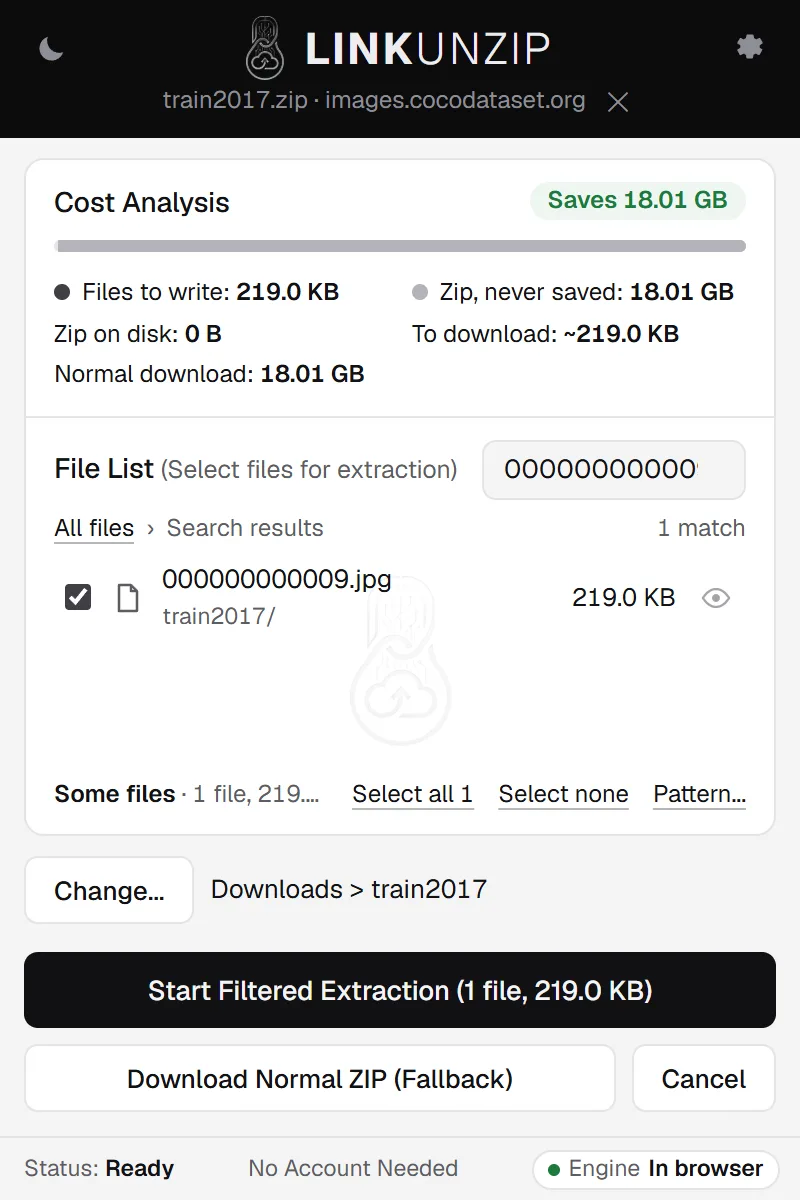
The COCO train2017 images are one zip of 18.01 GB with 118,287 files. To try a model on a few hundred images you normally download all of it, unzip it and delete most of it. With LinkUnzip you open the zip's link, pick the images, and only those are downloaded: one 219 KB photo cost 12.2 MB in our test, the zip's index included.
LinkUnzip is a free browser extension for Chrome, Edge and Brave that extracts a ZIP straight from a link, without ever saving the ZIP.
How to do it, in 3 steps
Don't have LinkUnzip yet? Add it to Chrome or to Edge first. It's free, needs no account and takes a few seconds.
- Open the zip's link in LinkUnzip. Click the LinkUnzip button in the toolbar and paste
http://images.cocodataset.org/zips/train2017.zip, or right-click the link on the COCO download page and choose Extract with LinkUnzip. - Wait for the index. With 118,287 files the index is 11.9 MB; it took 5.1 s in our test. Then every image is listed with its size.
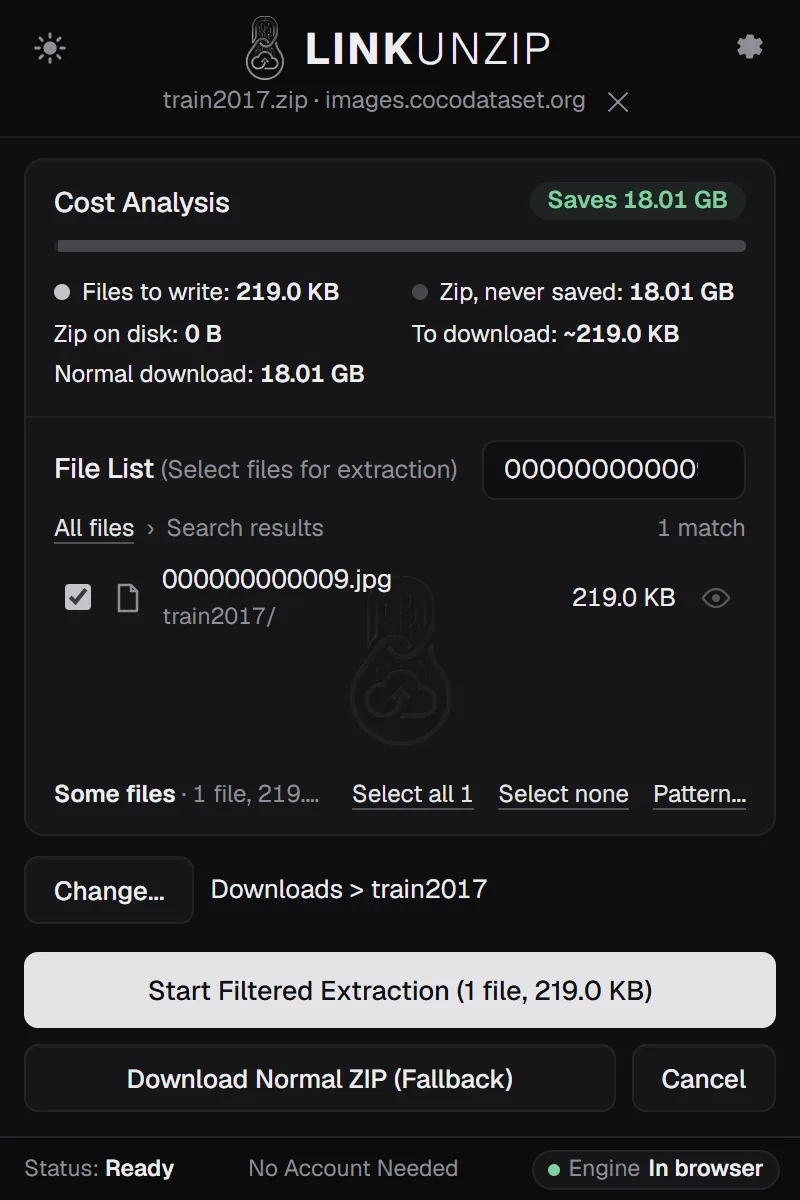
- Pick the images and start. Type a name in Filter, tick a random set with More, Sample..., or tick files by hand, then click Start Filtered Extraction.
A measured example
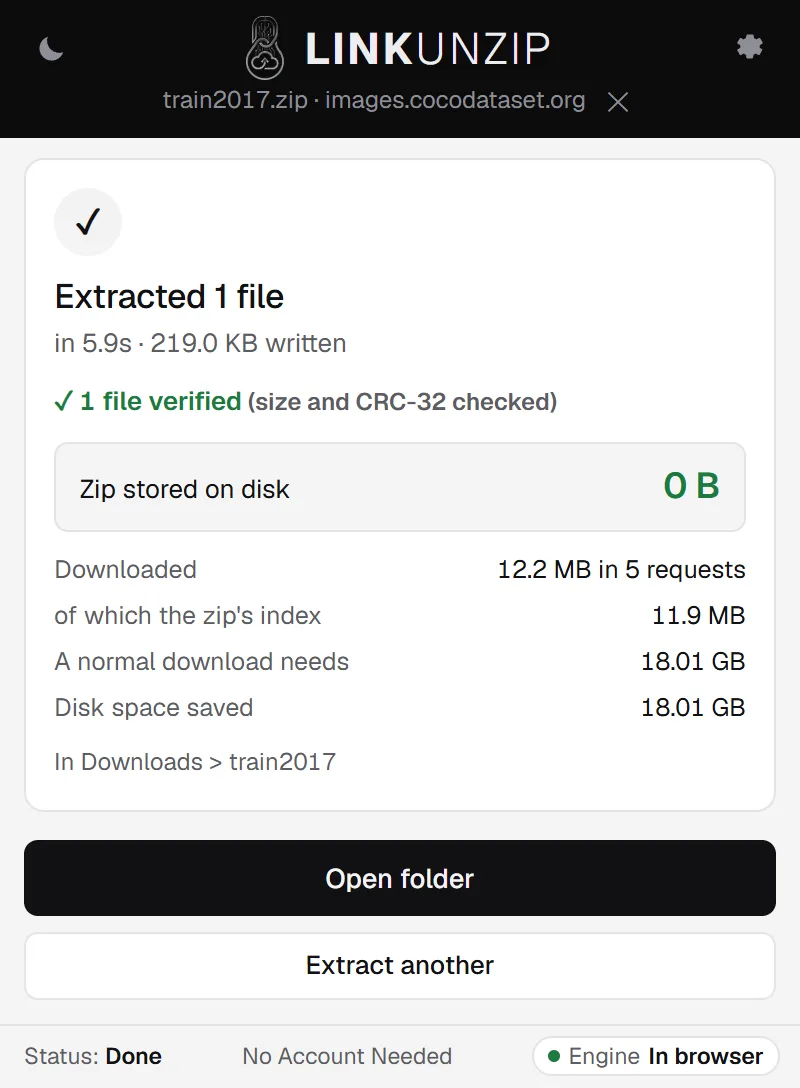
We took one photo out of train2017 with the extension alone in Chrome:
| Zip on the COCO server | 18.01 GB, 118,287 files |
|---|---|
| File written | One photo, 219 KB, verified |
| Downloaded | 12.2 MB in 5 requests, of which the index was 11.9 MB |
| Time | about 6 s: 5.1 s for the index, 0.8 s for the photo |
| Zip on disk | 0 B |
The index is the fixed cost: it is read once, however many images you then take. Each image after that costs about its own size.
A random subset of COCO
More, Sample... ticks a number of images picked at random, from the whole zip or from the folder you are in. They are picked from the index, so nothing is downloaded to choose them, and Pick gives a different set. A share link keeps the same sample, so a teammate who opens it gets the same images.
For a script or a server, More, Share..., Copy as command gives a Python script for exactly the images you ticked. It never saves the zip.
Limits
- Measured with train2017 images only. The other COCO zips were not measured.
- The annotations for train2017 are a separate zip; the images zip holds only the images.
- The images you take still need their own space on disk.
Questions
Do I need an account?
No. The COCO zips are public files on images.cocodataset.org. LinkUnzip needs no account either.
Does it work for the annotations zip too?
It works with any zip on a server that answers range requests, which is what LinkUnzip uses to read only part of a file. The measured run on this page was the train2017 images zip; the annotations zip was not measured.
Is the 18.01 GB zip saved anywhere?
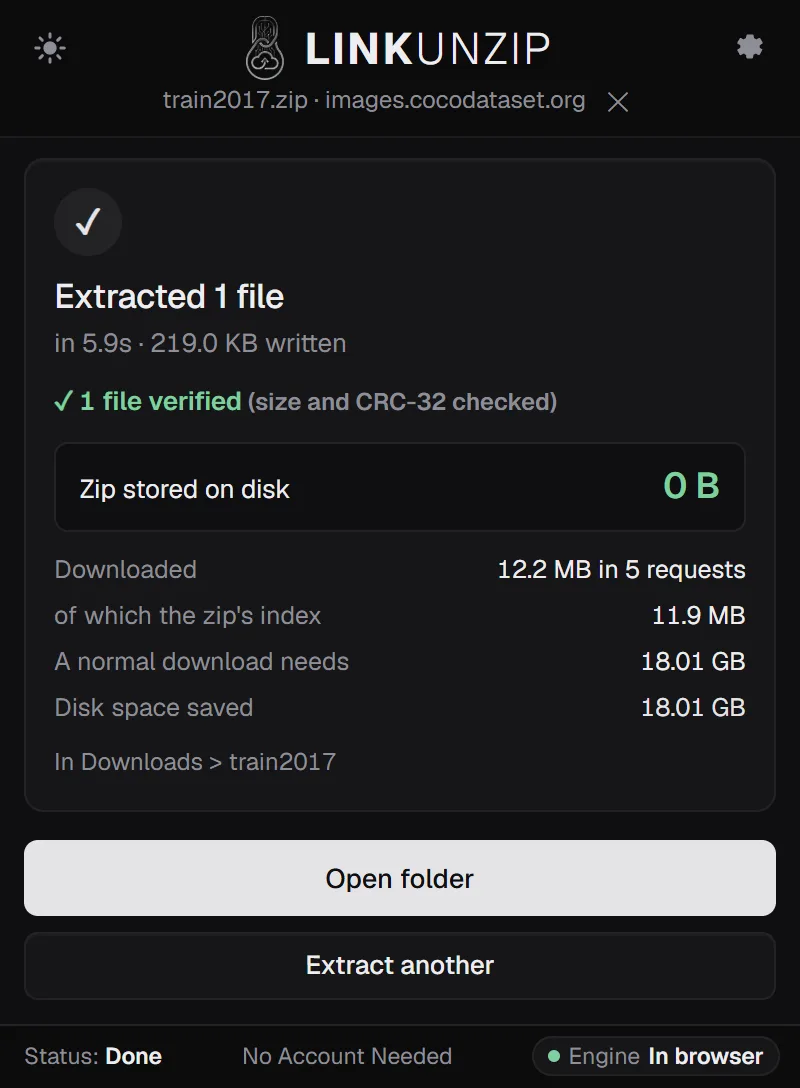
No. LinkUnzip reads the zip's index and the parts of the files you tick, straight from the COCO server. The done screen shows Zip stored on disk 0 B.
Stop saving zips you only unpack once.
Free for Chrome, Edge and Brave. Nothing else to install, no account, no ads, no uploads.
On a phone? LinkUnzip runs in Chrome, Edge and Brave on a computer.